Never lose track of
a show again.
ReelShelf is one shelf for everything you watch — films and series in a single library, with the two answers you actually need: where it's streaming right now, and when the next season lands.
Download on the App StoreFree to download · Optional Pro subscription · English, Русский, Українська
Everything you watch, on one shelf
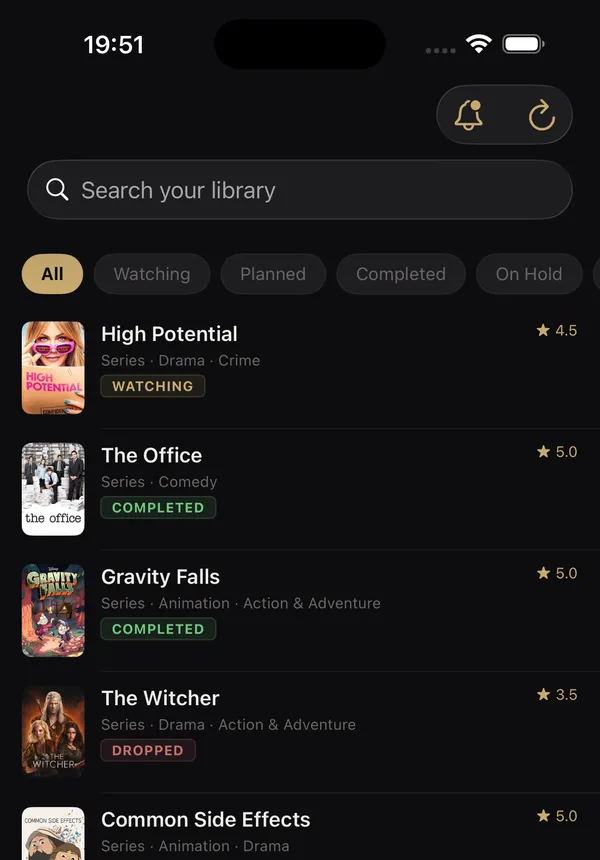
Add any film or series in seconds from a global catalog. Mark it want-to-watch, watching or watched, rate it in half-stars, and keep private notes. Filter by status, search your shelf, and see at a glance what you finished and what you dropped.
Know where it's streaming
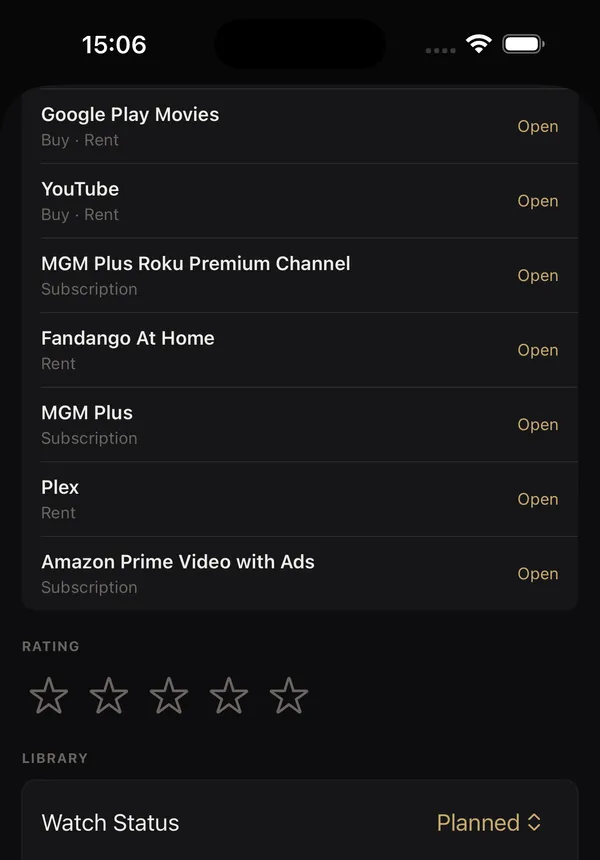
See every service carrying a title in your region — subscription, rent, buy or free with ads — and open the right app straight from the title. Season-by-season progress, your rating and your notes sit on the same screen.
Picks that explain themselves
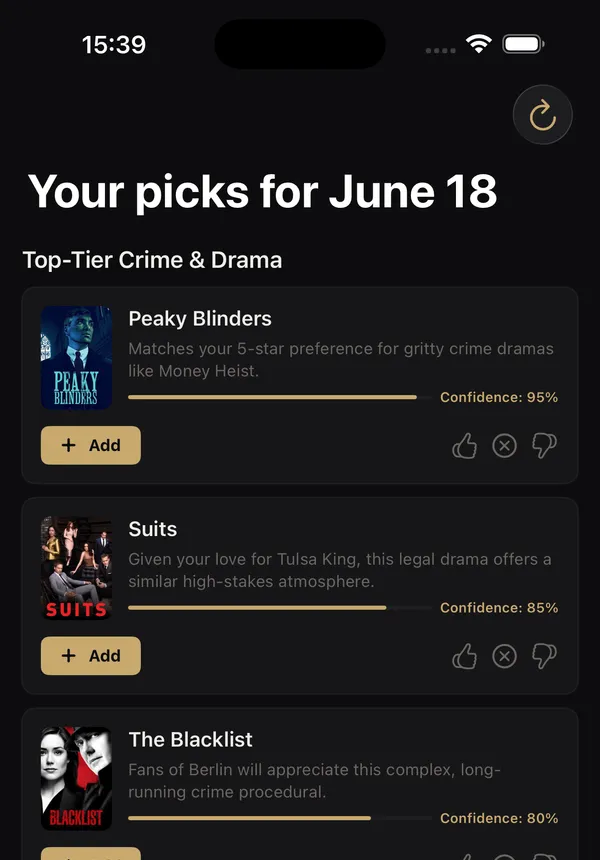
Recommendations built from your own shelf and your own ratings, not from someone else's trending list. Every pick says why it is there and how confident it is. React to one and the next set gets sharper.
Never miss a release
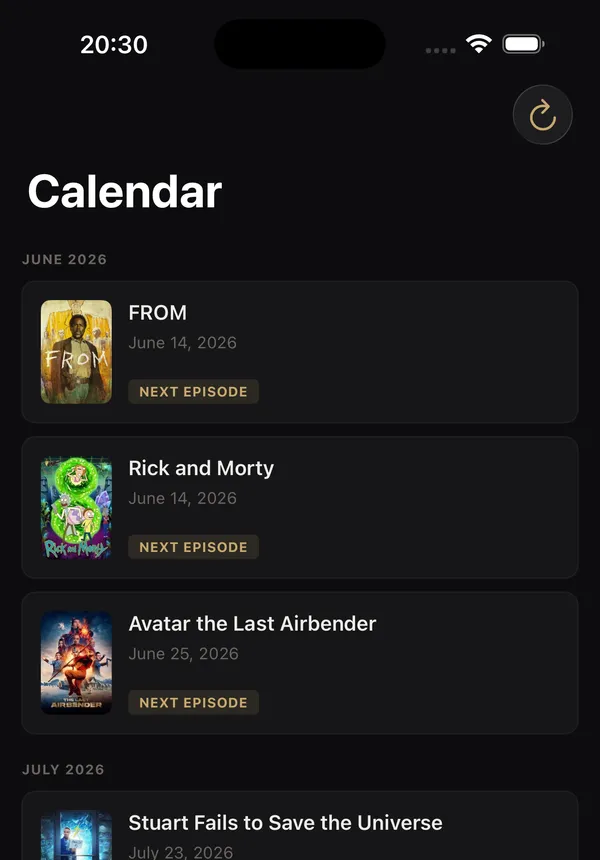
A calendar of what is coming from the titles you already follow, plus a notification when a new season is announced, a release date moves, or something on your list starts streaming.
Start free, go further with Pro
Start free with up to 50 titles and up to three picks per recommendation row. ReelShelf Pro adds an unlimited library, the full recommendation feed, AI news summaries, and the ability to create collaborative lists.
Only the list owner needs Pro; invited editors don't. Editing and new invitations pause if the owner's Pro subscription ends, but existing members can still view the list.
Pro is available monthly or yearly. Free trials are available to eligible subscribers; current prices and trial terms appear before purchase. Subscriptions renew automatically unless canceled in your Apple account settings.
Download on the App StoreQuestions
- Is ReelShelf free?
- Yes. Free includes up to 50 titles, up to three picks per recommendation row, streaming availability, the in-app calendar, release alerts, and public or private read-only shelf sharing. Pro adds an unlimited library, the full recommendation feed, AI news summaries, and the ability to create collaborative lists.
- Does it work outside the United States?
- Yes. Streaming availability is looked up for your own region. Where a region has no data for a title, ReelShelf shows US availability and says so, rather than showing nothing.
- Where does the streaming data come from?
- Availability and deep links come from TMDB and JustWatch data, refreshed regularly. Title metadata and artwork come from TMDB.
- Do I need an account?
- You sign in with Apple. That is the whole sign-up — no email, no password — and it is what lets your shelf sync across your devices.
- Can I share what I am watching?
- Share your shelf publicly, send a title with your rating, or invite a friend to view your shelf privately. With Pro, you can also create collaborative lists that friends can edit.
- Do friends need Pro to edit a shared list?
- Only the list owner needs Pro; invited editors don't. Members can add and remove titles without changing anyone's personal library. Editing and new invitations pause if the owner's Pro subscription ends, but existing members can still view the list.
- Is my shelf private?
- Private by default. Nothing is public until you turn sharing on yourself, and you can turn it off again at any time.